Review club affiliation registrations
Use Reports > Registration > Club Affiliations to review club affiliation registrations submitted to your membership association. You can check the club's answers, payment state and supporting files, then download a filtered list.
When the report appears
Your organization must be a membership association, and its Club Affiliation product must have been created. The report is available even while that product's registration is turned off.
An ordinary club doesn't have this report. A newly created affiliation product has an empty report until clubs submit registrations. Starting a registration or leaving it in a cart doesn't add it to the report.
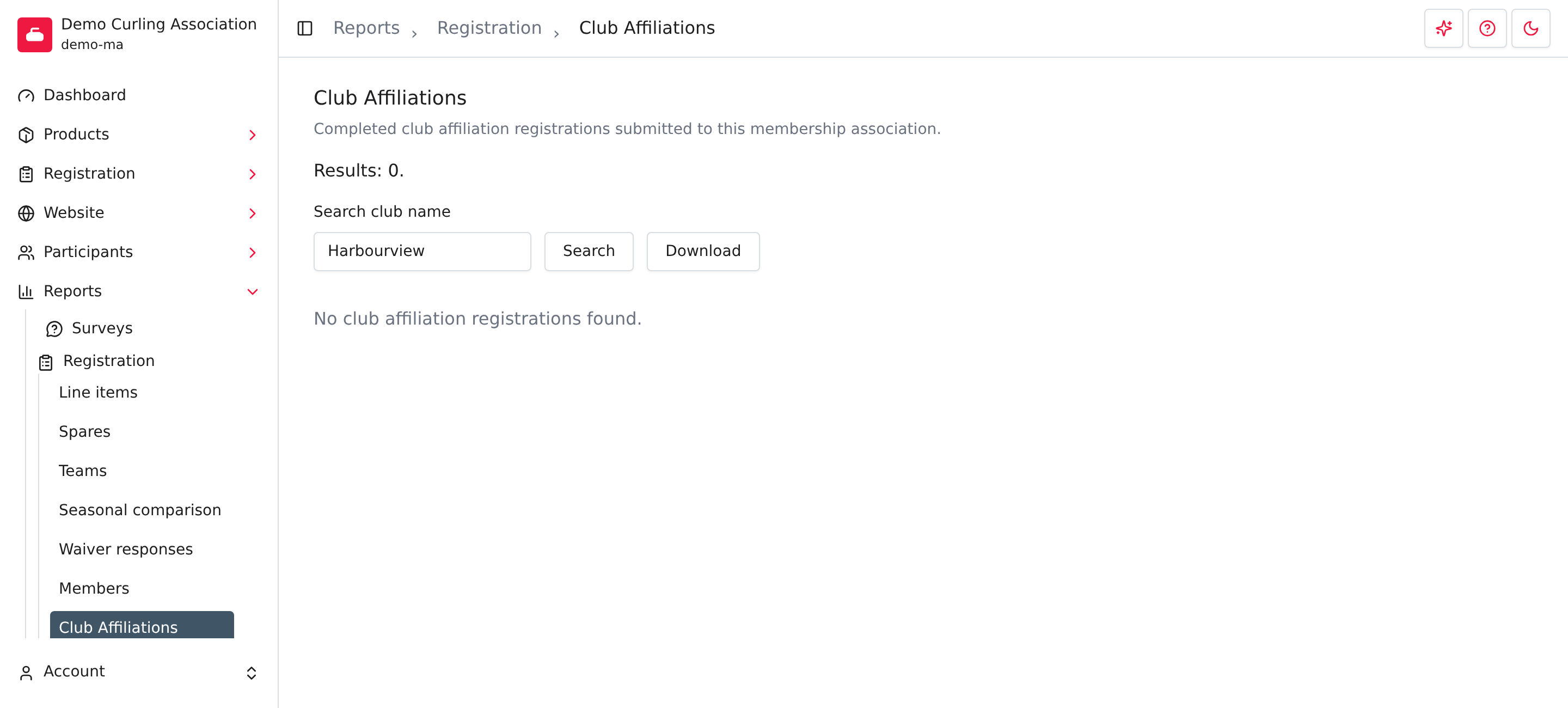
Find a registration
- Open Reports > Registration > Club Affiliations.
- Enter all or part of the club's name in Search club name.
- Press Enter to apply the search.
- Select the club name to open its submitted details.
Search ignores capitalization and checks the club name entered on the registration. Clear the search to return to the full list. The newest registrations appear first.
The list shows the club, who submitted the registration, when they submitted it, its registration state, order reference, total and payment state. A submitted registration isn't necessarily paid. Check Payment state before treating the affiliation fee as settled.
Review answers and supporting files
Open a club name to see its saved registration answers and any uploaded attachments. The detail page also shows the submitter's email and the order reference.
Use Orders to review the associated order and payments. The affiliation report is for reviewing submissions; it doesn't approve an external payment or change the registration.
Download the list
Apply the club-name search, then select Download. The file is named
club-affiliations.csv. It contains the matching submitted registrations,
including their registration answers.
See Registration reports for the general download workflow. Downloading doesn't send messages or change a club's payment state.
Club affiliation or association fee claim?
Club Affiliation is the club's registration with your association. An association fee claim reports that a participant's association fee was paid elsewhere. A claim can still need verification or be rejected. Review those claims in their own report; they don't become club affiliation registrations.