Waiver Templates
Waiver templates let a membership association provide consistent waivers to its member clubs. This page is for membership associations. If you manage a club, see waivers instead. Use a managed template when clubs must follow your current wording and age rules. Use a customizable template when you want to provide a starting point without controlling the club’s final waiver.
Managed responses retain the template source, version, and exact waiver text the account holder saw. This gives member clubs a traceable response record and distinguishes association-managed responses from club-owned waivers.
Walkthrough video
The following video shows you how to create managed and customizable waiver templates, publish a new managed version, make templates available to member clubs, and review version and response records.
Open waiver templates
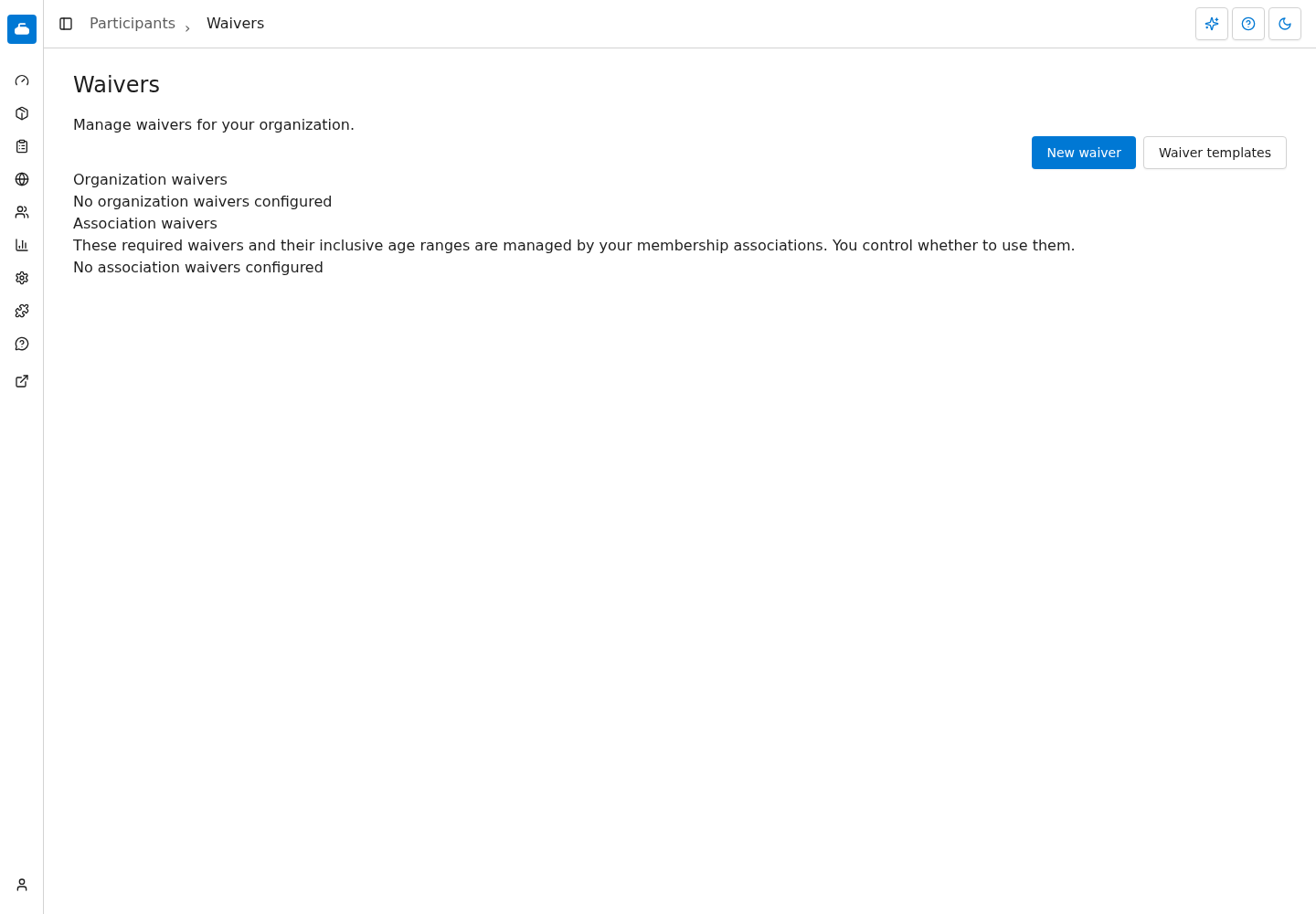
Go to Participants > Waivers, then select Waiver templates.
The templates you have created are listed there. Select New waiver template to add one, or select a template's name to edit it.
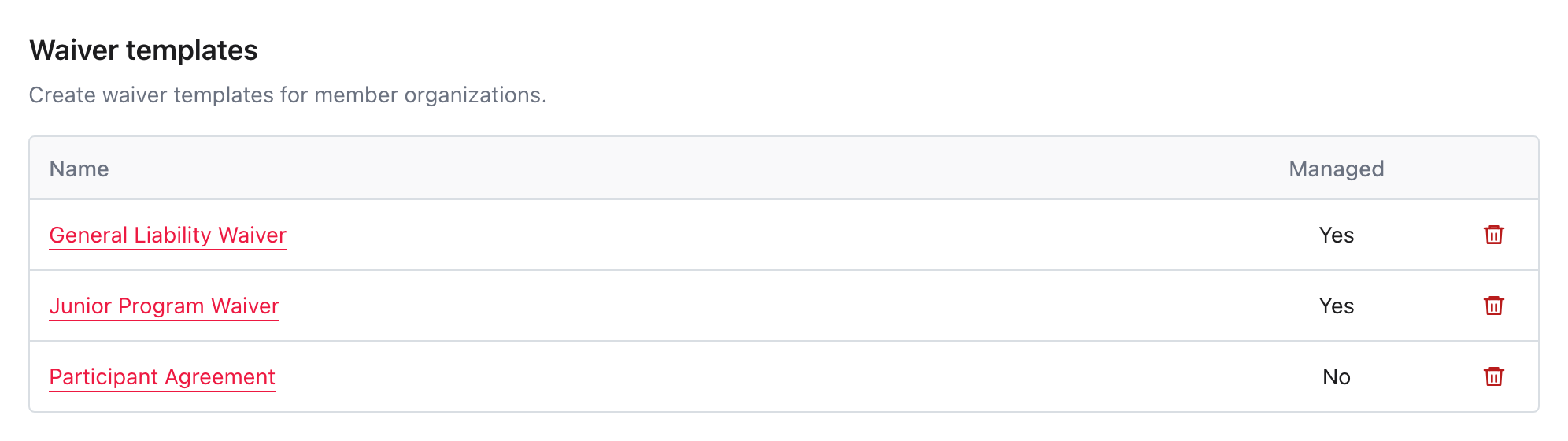
Templates are available to member clubs below you. If more than one membership association exists in their hierarchy, templates from the closest association appear first.
Choose Managed or Customizable
Enter a Name and a short plain-text Description that tells member clubs what the template is for. Descriptions may contain up to 160 characters. If your organization supports French, the form also has French fields for the name, description, body, and acceptance text.
Choose whether the template is Managed, then complete its Body, Acceptance text, Min Age, and Max Age.
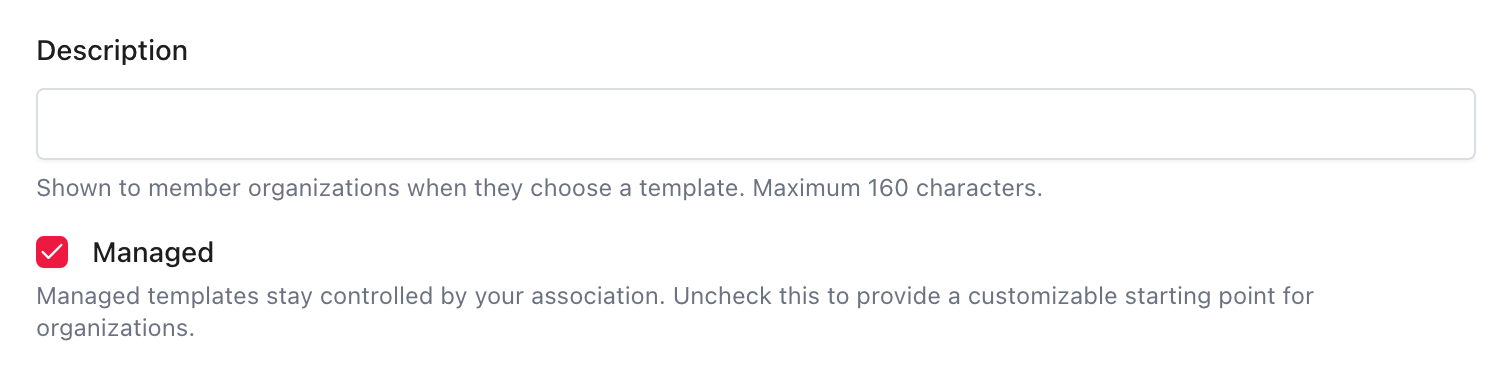
The Managed choice cannot be changed after you create the template:
- Check Managed when member clubs must use your current body and age range, such as for a liability waiver tied to group insurance or an association policy. They may enable or disable the waiver, but they cannot edit or delete it.
- Uncheck Managed when the template is a customizable starting point. Selecting it prefills a new club-owned waiver. The club can change any field, and later template changes do not affect that waiver. Curling IO keeps the source template for reference.
Managed does not force a member club to use the waiver. A club can disable it, but it cannot edit the association-controlled waiver text while using it.
Complete the template
Association templates begin as required, organization-wide waivers collected for a participant once per season. These rules stay locked for managed waivers. A club may change them after choosing a customizable starting template.
Select Body to open the Markdown editor. Enter the complete waiver text, preview the formatted result, then select Apply.
Enter the Acceptance text that an account holder must type to accept a required waiver.
Set Min Age and Max Age when the template applies to a specific age group.
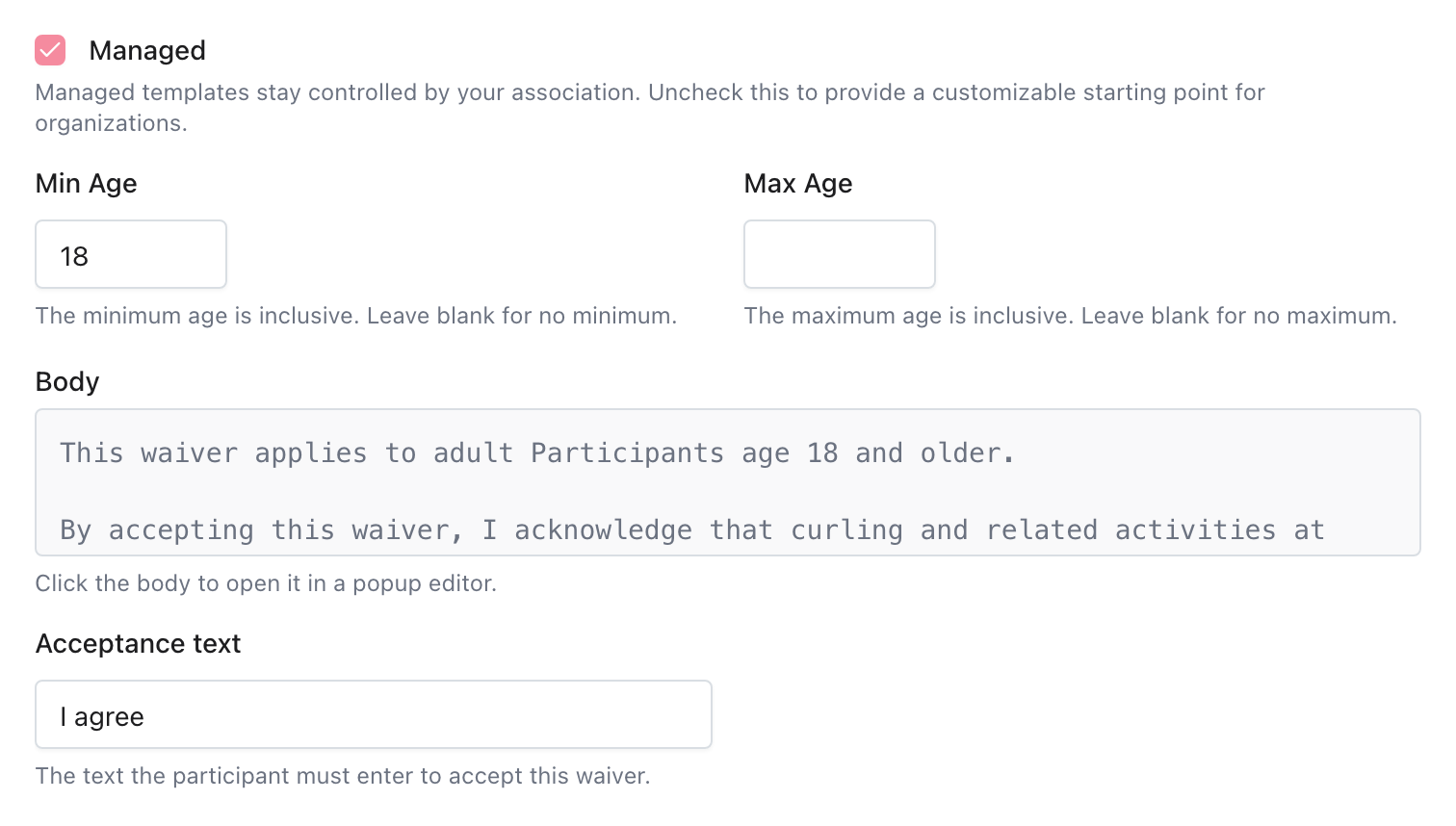
The minimum and maximum ages are inclusive. A minimum age of 18 includes a
participant who is 18. A maximum age of 17 includes a participant who is 17.
Leave one side blank when there is no lower or upper limit, or leave both blank
when the waiver applies at every age.
Use template variables
You can insert:
{{org_name}}for the member club’s name.{{province}}for the member club’s province.{{association_name}}for your membership association’s name.
Curling IO replaces these variables for each member club when it presents a managed waiver. For a customizable template, the variables are replaced when the club opens the prefilled new waiver form.
Make templates available
Adding a managed template later does not automatically enable it for existing member clubs. It appears as a disabled row under Association waivers, where the club can enable it.
When a new member club is created, every active managed template in its association hierarchy is added as an enabled waiver. Customizable templates remain optional starting points under New waiver.
For details about the member club workflow, see waivers.
To remove a template, select Delete beside it, then confirm. A deleted managed template immediately stops applying to member clubs. A deleted customizable template disappears from New waiver, but waivers already created from it remain unchanged. If a managed template already has responses, Curling IO keeps it out of sight so the response history and template versions stay available.
Publish a New Version
Changing the Name, body, Acceptance text, Min Age, or Max Age requires confirmation. Confirming the change creates a new template version.
For a managed template, the new version immediately updates the body and age range used by every managed waiver. Existing responses retain the earlier waiver text and age range. Participants who already responded during the season are not asked again.
For a customizable template, the new version is used only when a member club opens a new waiver from that template afterward. Waivers already created from it do not change.
Changing only the Description does not create a new template version.
Where earlier versions can be reviewed
The Waiver templates screen doesn't list a template's earlier versions or compare them. Your member clubs can. On a club's Participants > Waivers screen, the versions of a managed waiver are the versions of your template. The club can compare any earlier version with the current one, reading from the earlier version to the current one: red lines were removed since that version and green lines were added. Clubs can't apply an earlier managed version, so only a new version you publish changes the waiver. See Compare earlier versions.
Review managed responses
Each managed response records:
- The managed template.
- The template version.
- The exact resolved waiver text shown to the account holder.
- The participant, age, response, and account holder who responded.
The member club’s Waiver responses report identifies the source and version for each response. Opening a response shows the saved waiver text snapshot. Later template changes do not alter that record.
Troubleshooting
A member club cannot find a template
Confirm the template has not been deleted and that the member club is below your association in the organization hierarchy.
A managed template appears under Association waivers. A customizable template appears after the club selects New waiver.
An existing member club did not receive a new managed waiver
This is expected. A managed template added later appears as a disabled association waiver. The club must enable it before Curling IO begins collecting responses.
I need to change whether a template is managed
You cannot change the Managed choice after creating the template. Delete the old template and create another one with the intended setting.