Create a league with individual registration
Go to Products > Leagues, select New product, and turn on Availability, Participant and Pricing. Turn on Event Settings, Schedule and Results to prepare the competition tools too.
This recipe creates Thursday Evening League 2026-27: $360.00 per participant, with 32 registration places and standard, open teams. Each curler registers individually. You arrange the teams and games separately.
Before you start
You need access to create products and an enabled Leagues type. The starter type includes all six capabilities. This example uses Purchasable for its price, Registerable for participant registration, Inventory for its capacity, and Dates and Event for the season and competition tools. Managers lets you delegate individual product sections later.
If your club renamed the type, use its league category. Check product types if a setting is missing.
Create the registration
- Select New product and enter Thursday Evening League 2026-27 as the Name. Leave Enabled checked.
- Enter Individual registration for Thursday evening curling. as the Summary. Add your actual playing dates, expectations and refund terms in Description if needed. Complete the translated fields when your club uses another language.
- Set Starts to October 22, 2026 at 7:00 p.m. and Ends to March 25, 2027 at 9:00 p.m. Use your actual season dates for your own league.
- Turn on Availability and choose Standalone only under List as.
- Set Opens to October 1, 2026 at midnight and Closes to October 21, 2026 at 11:59 p.m. Both boundaries are needed for online registration.
- Set Inventory to 32 and leave Private unchecked. For this individual registration, capacity counts registrations, not teams.
- Turn on Participant. Leave age and gender restrictions blank for this open example; select any waivers your club needs.
- Turn on Pricing, enter 360.00 in Price, and select the taxes that apply. This example has no taxes selected.
Use Addons for required fees or optional merchandise, and Late fees for a registration deadline surcharge. Review inherited association fees before opening registration.
Prepare the competition tools
- Turn on Event Settings.
- Choose Standard for Team format and Open for Team composition.
- Turn on Schedule, then Results. Review their defaults before you build the draws or enter scores.
- Select Save.
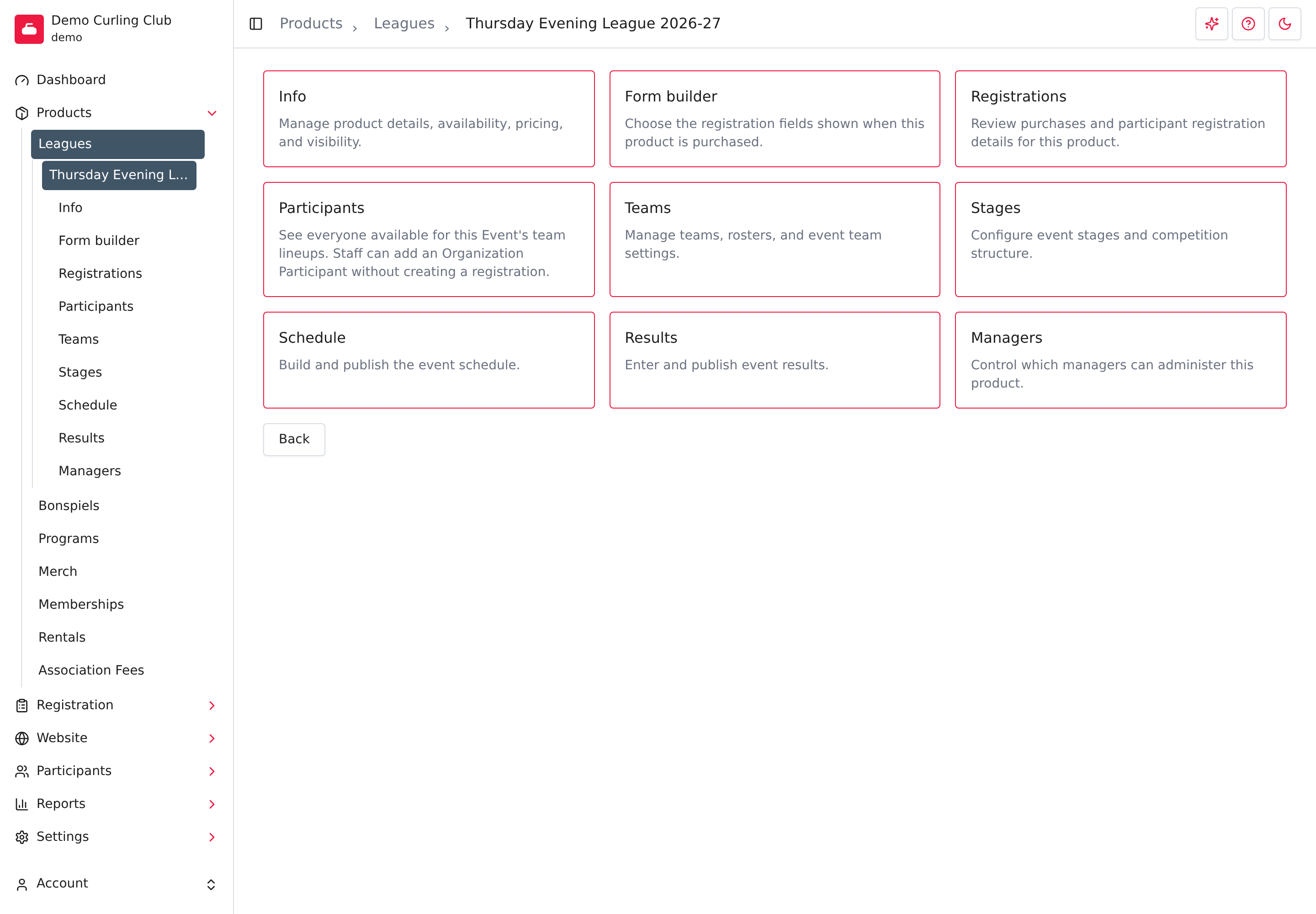
Creating the product opens its overview. You should see Form builder, Registrations, Participants, Teams, Stages, Schedule and Results. Select Info to check the saved settings.
Check the public registration
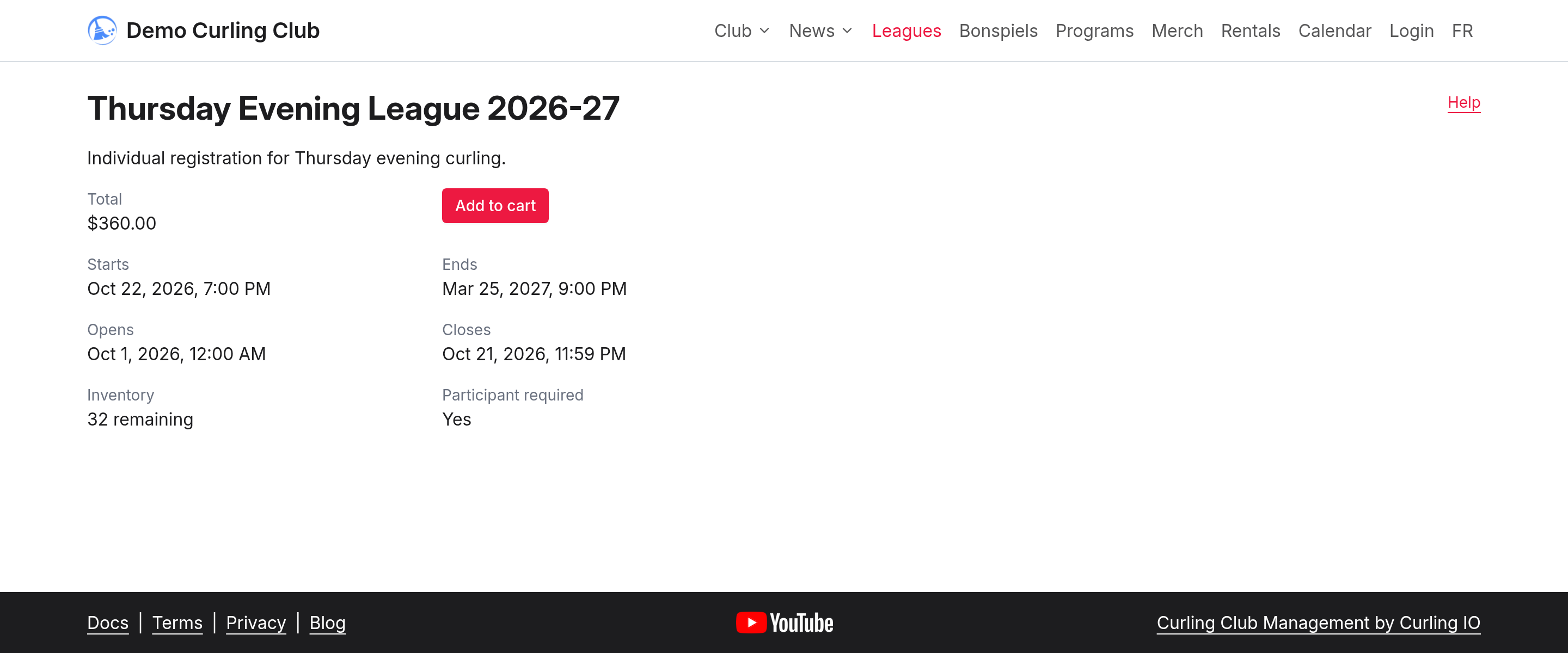
Open the league on your club's public site. With the example's registration window open, it shows $360.00, 32 remaining, Participant required: Yes, and Add to cart. Check these before directing curlers to register.
Use Form builder for questions tied to this registration, such as the curler's team name. Use the participant profile for information that should follow them between registrations.
Build the league after setup
The product settings don't create teams or games. Follow these guides in order:
- Teams: create the teams and assign their lineups.
- Stages: create round robins or playoff brackets.
- Schedule: place the games into draws and sheets.
- Results: enter scores and choose what to publish.
If a tool is missing, check its capability and the switches on Info. Schedule needs Event Settings, and Results needs Schedule.