Disputes report
Use the Disputes report to find card disputes reported to Curling IO by Stripe. It identifies the affected order and preserves Stripe's status and reason values for investigation.
SportsPay disputes are handled directly between SportsPay and your organization. They do not appear in Curling IO's Disputes report.
Open the report
Go to Reports > Financial > Disputes.
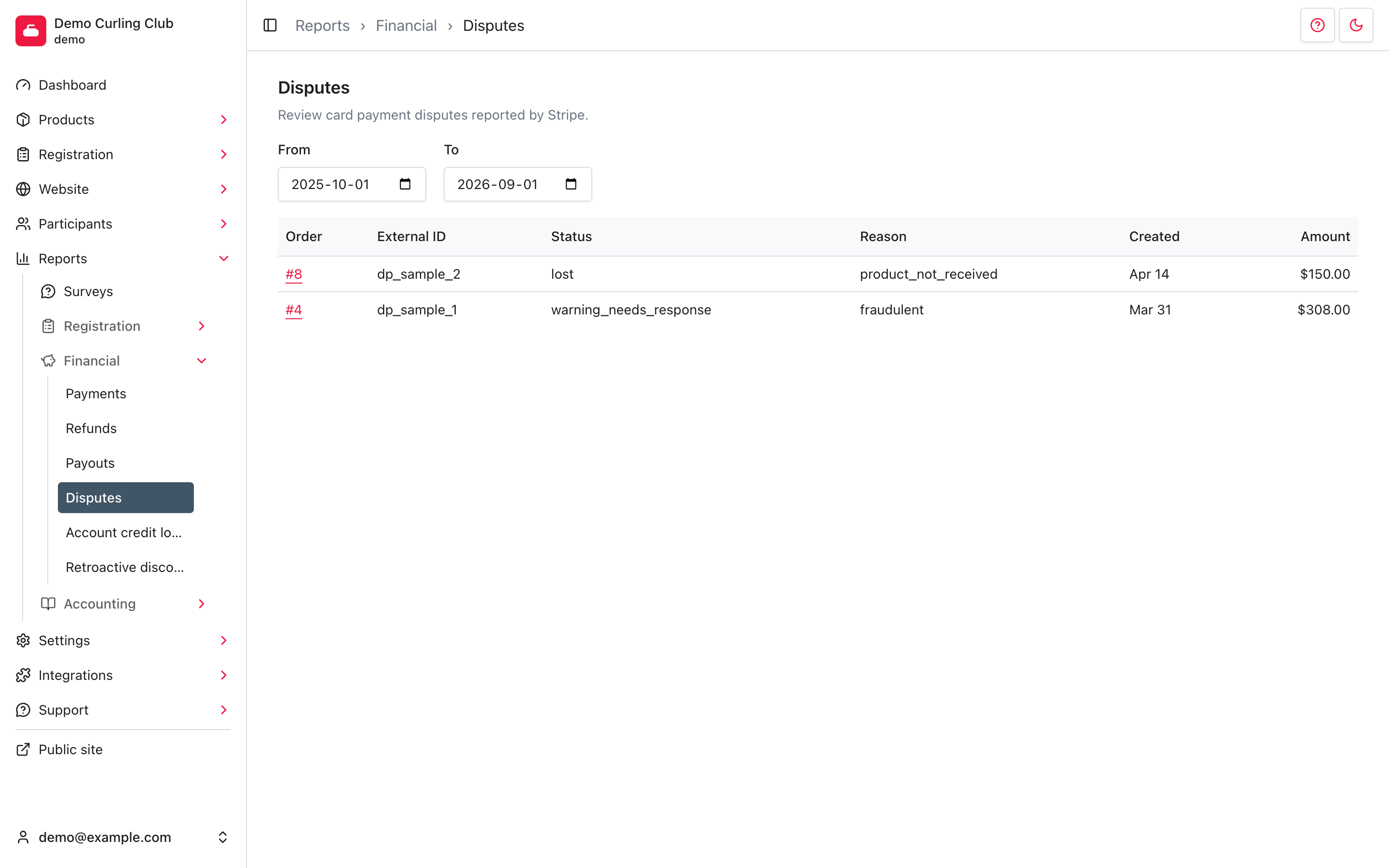
The report opens from the start of your current season through today. From and To filter when the dispute was created. Each page shows up to 12 rows, newest first.
Investigate a dispute
The report shows the external dispute ID, Stripe status and reason, created date, and disputed amount. Status and reason values may use Stripe's technical wording.
Select the Order number to review the disputed payment beneath the order. Use the external ID when matching the row with the Stripe Dashboard or a Stripe support case.
Treat a status such as response_required or warning_needs_response as a
prompt to check Stripe's current deadline and required evidence. Curling IO
displays the dispute record, but the Stripe Dashboard remains the source for
submitting a response and confirming its live outcome.