Retroactive discounts
Retroactive discount opportunities appear when a later purchase makes a participant eligible for a discount that could have applied to an earlier paid order. This most commonly happens with multi-item discounts when the participant buys the cheaper item first, then buys the more expensive qualifying item later. Review each opportunity before deciding whether to refund the earlier order or dismiss the suggestion.
Open the report
Go to Reports > Financial > Retroactive discounts.
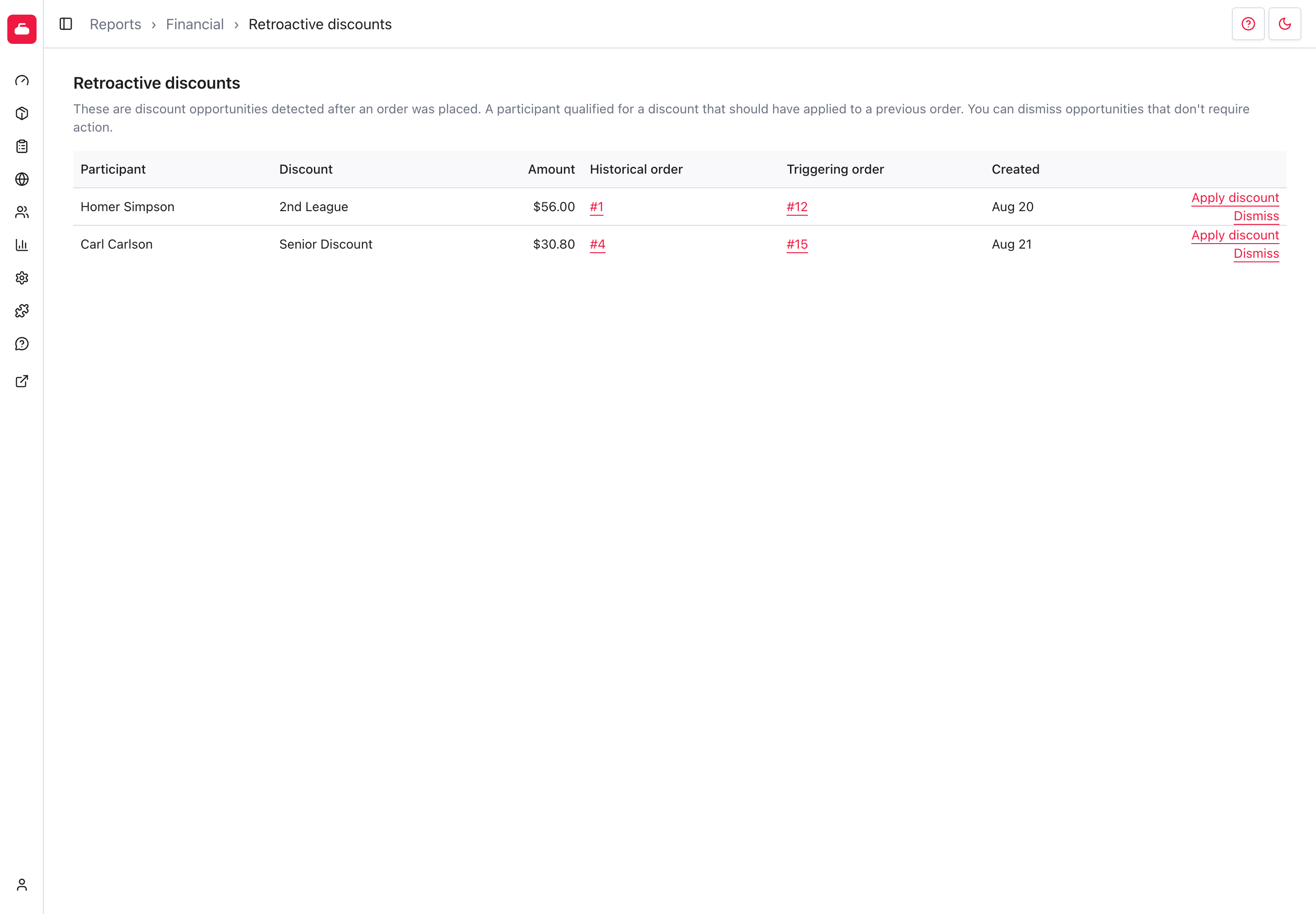
The report shows only open opportunities. It does not apply a discount or issue a refund automatically.
Review an opportunity
- Participant identifies the person whose purchases satisfied the discount.
- Discount and Amount show the detected opportunity. The amount includes the proportional tax recorded on the historical item.
- Historical order is the earlier order that may qualify for a refund.
- Triggering order is the later purchase that made the opportunity available.
Open both orders when you need to confirm the participant, products, payment methods, and prior refunds.
Select Apply discount when the opportunity should be refunded. Curling IO opens the historical payment's refund form with the historical item, the tax-inclusive amount, refund destination, and reason filled in. Review the form, then submit it to issue the refund. The opportunity closes after the refund succeeds.
If no payment can cover the full refund, the report shows Review Order instead. Open the historical order and decide how to handle it manually.
Select Dismiss only when no action is required. Dismissing removes the opportunity from this list. It does not change either order, alter the discount, or issue money.