Sponsors
Walkthrough Video
The following video will take you, the curling club manager, through adding a sponsor record. Sponsors can later be associated with supported content, such as pages, articles, and products.
Before you start
Prepare the sponsor name, website address, and logo before you open the form.
For this example, the sponsor is Maple Street Hardware and the website address is example.com.
The logo is required because it is the visible sponsor artwork when the sponsor is displayed publicly. Use a 5:3 canvas, such as 1000 by 600 pixels, with the artwork centred and a little clear space around it. Use a transparent background when the logo works on both light and dark backgrounds. Use a white background when transparency would make the logo hard to read.
Sponsors Section
Add a sponsor from Website > Sponsors. A sponsor is a reusable record with a name, logo, optional website URL, and an enabled setting.
Creating the sponsor does not place it on your public website by itself. The sponsor can be displayed publicly after you associate it with supported content, such as a page, article, or product.
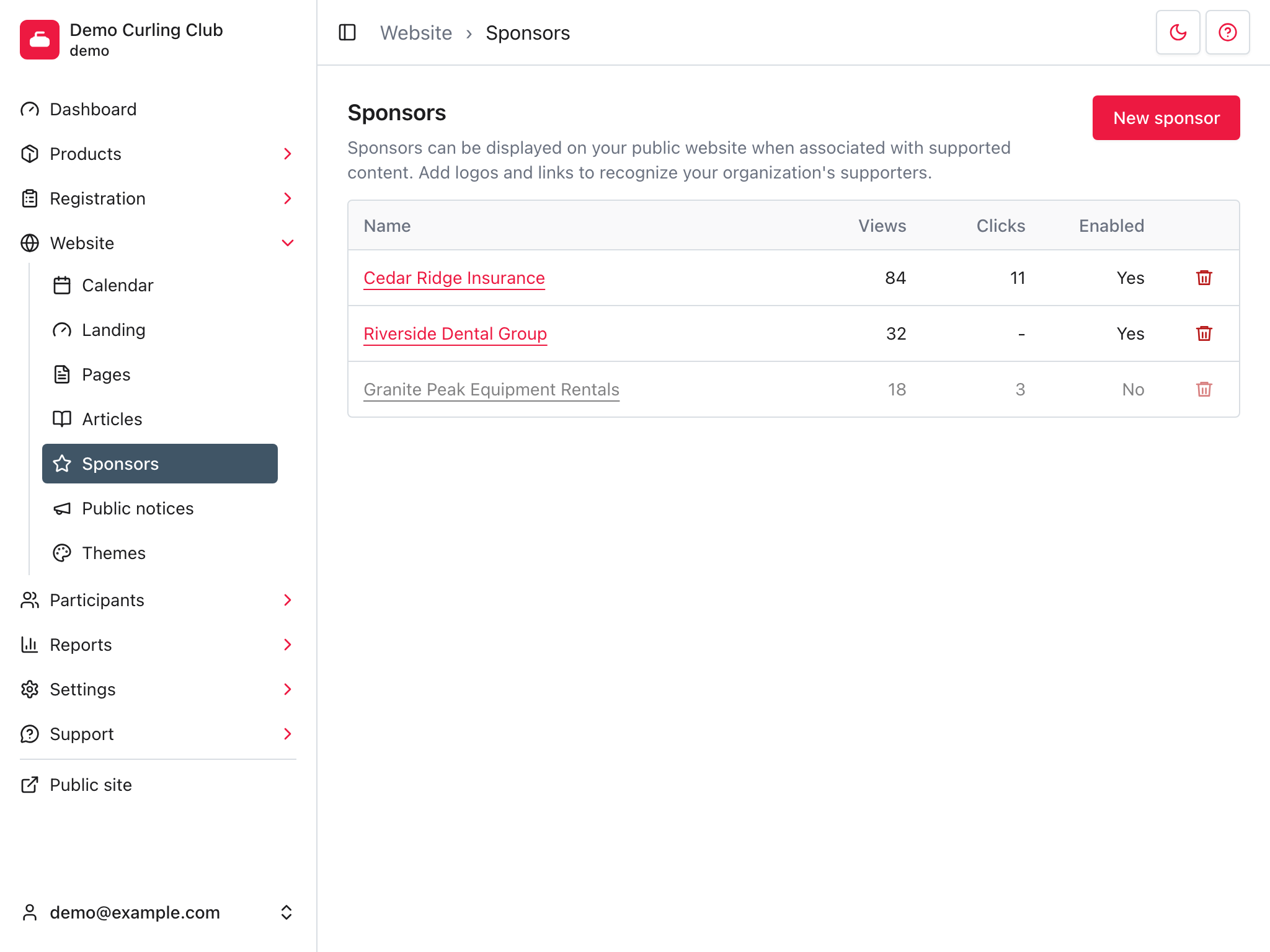
Create the sponsor
- Click New sponsor.
- In Name, enter the sponsor name.
- Leave Enabled selected if the sponsor should be available for use.
- In URL, enter the sponsor's website address.
- In Logo, choose the sponsor logo file.
- Click Save.
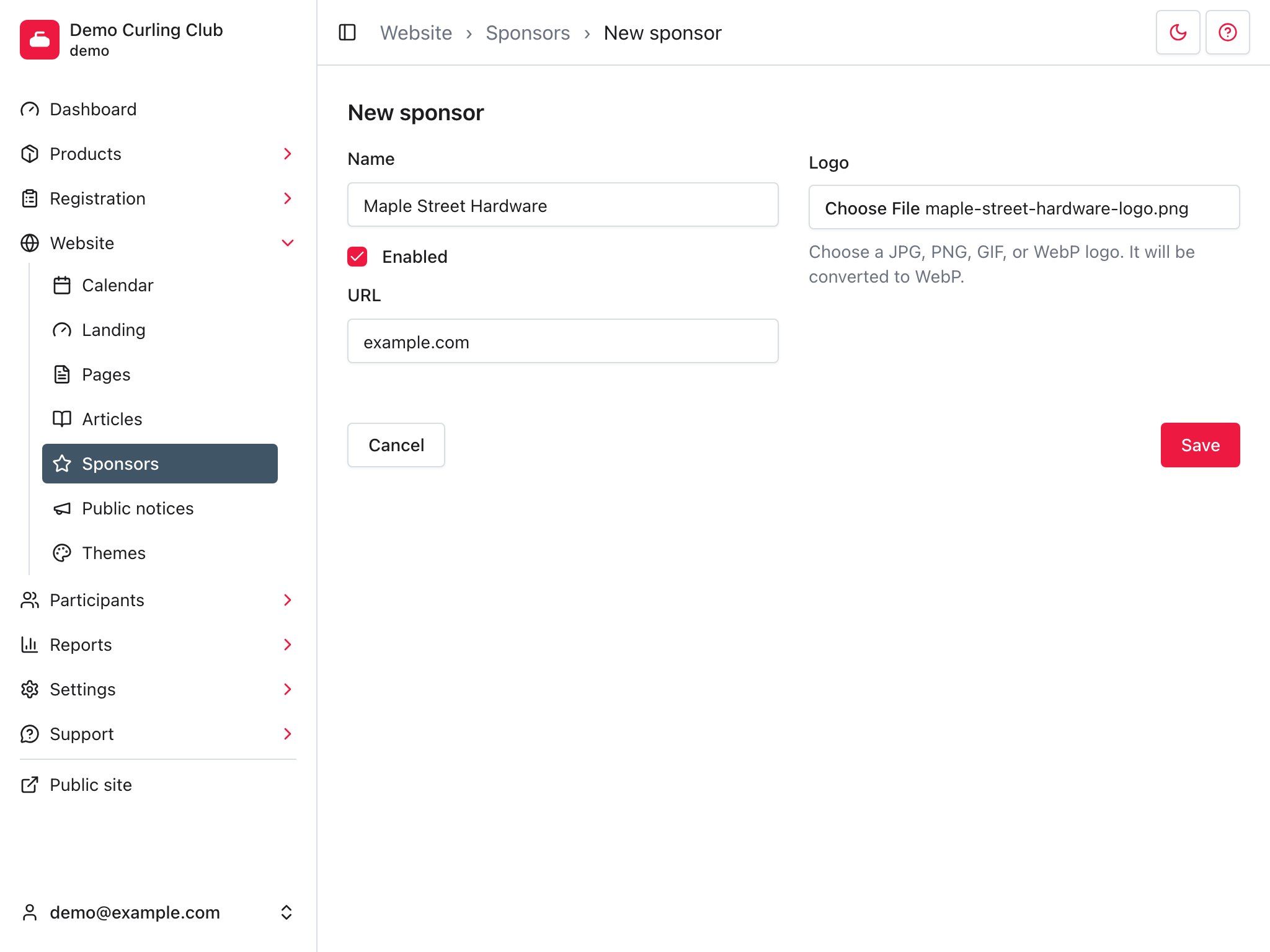
After saving, Curling returns you to the Sponsors list. The sponsor can now be selected when editing supported content. Adding the sponsor record alone does not place it on the public website.
The Views and Clicks columns may both be zero for a new sponsor. Engagement begins only after the sponsor is associated with content and visitors can see or follow it.
Next step
Use the follow-up recipe for the content type you want to sponsor:
- Add a sponsor to a page
- Add a sponsor to an article
- Add a sponsor to a product
Troubleshooting
If the form does not save, check that Name is filled in.
If the sponsor should link somewhere else, edit the sponsor and check URL.
Logo processing happens after the sponsor is saved. If the logo is not immediately available where sponsors are displayed, wait briefly and refresh the Sponsors page.